Switch Hit For Coaches
Plan the week.
Know your players.
Your teams, training, and player progress. Together in one coaching workspace.
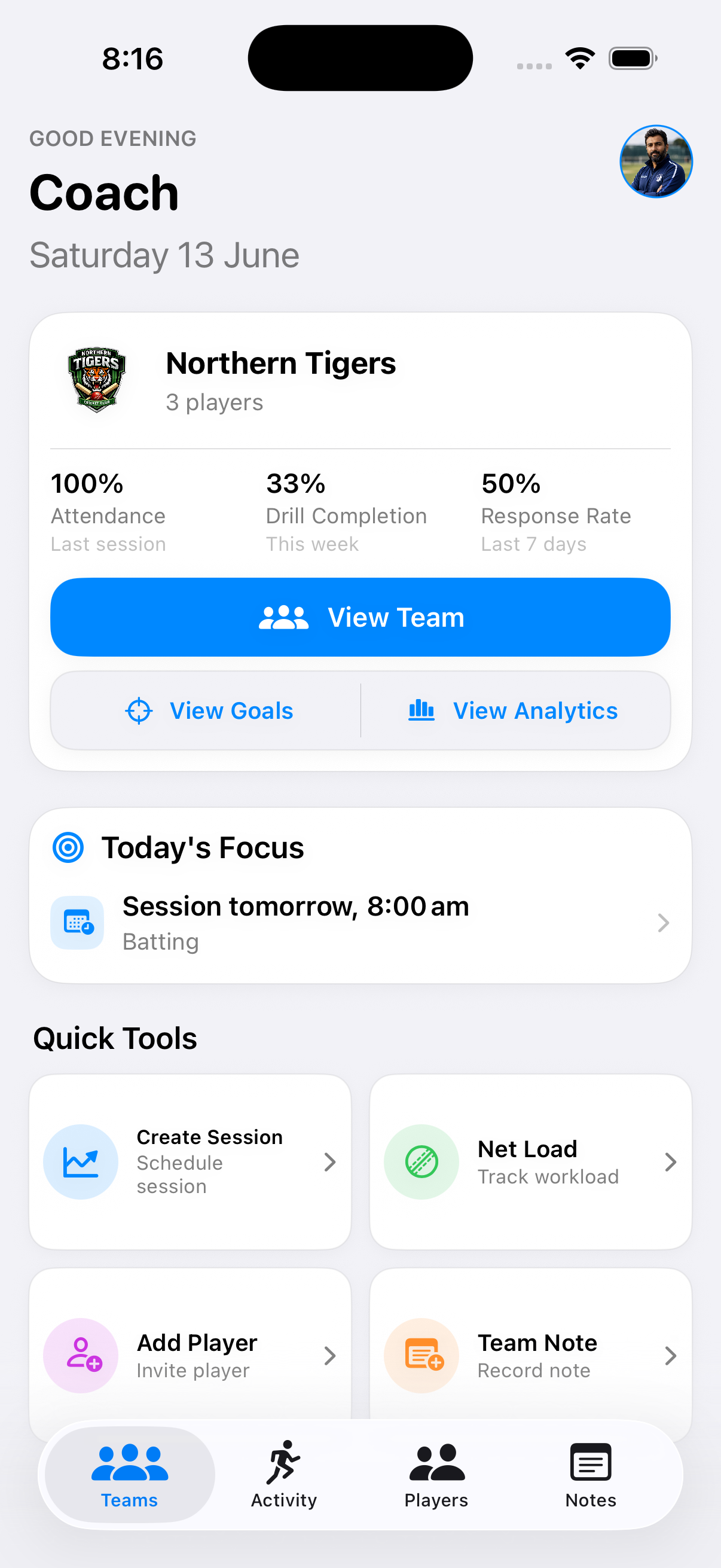
Coach Workspace
Teams, sessions, drills, and follow-up stay connected.
Coach mode is split around the real coaching rhythm: set up the team, plan the week, run training, review responses, and move back to the player who needs attention.
Plan The Session
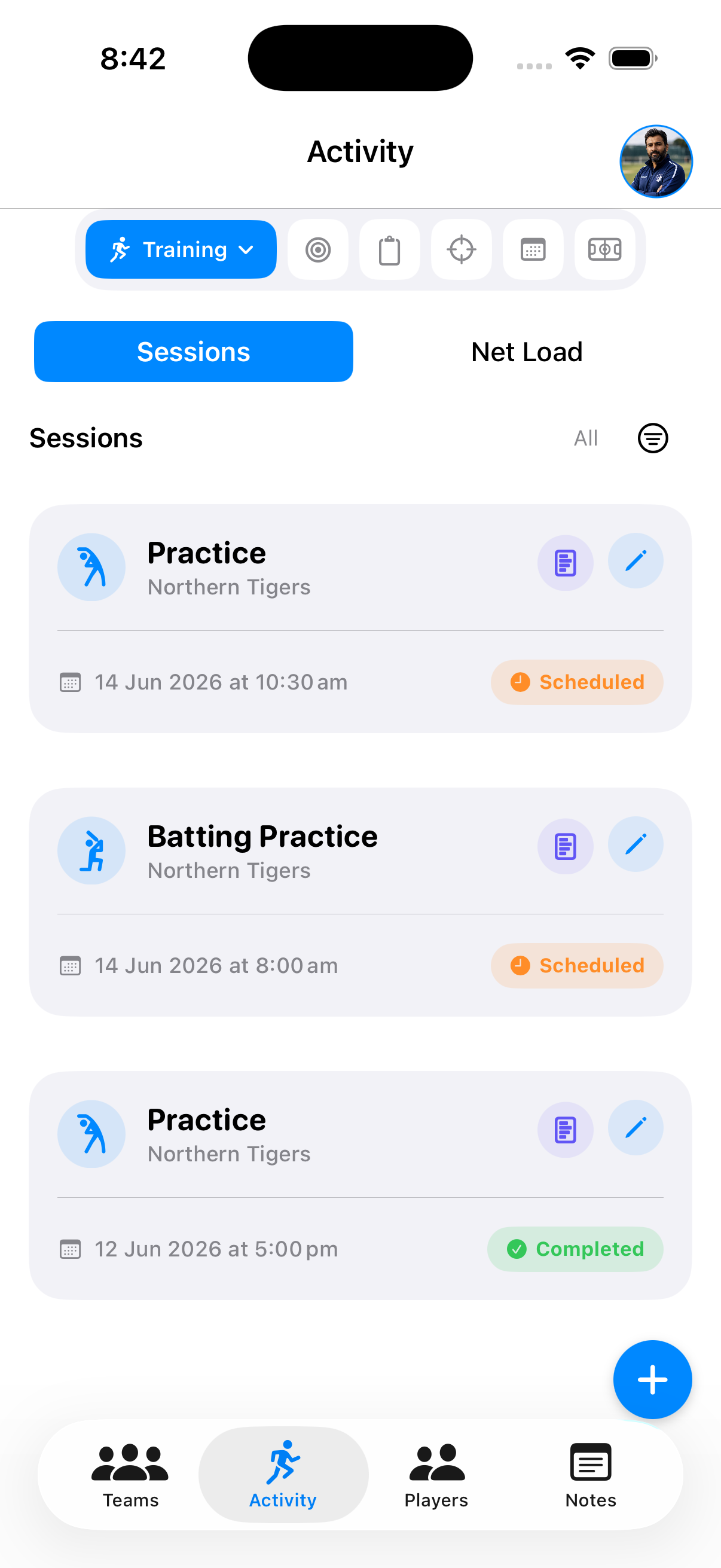
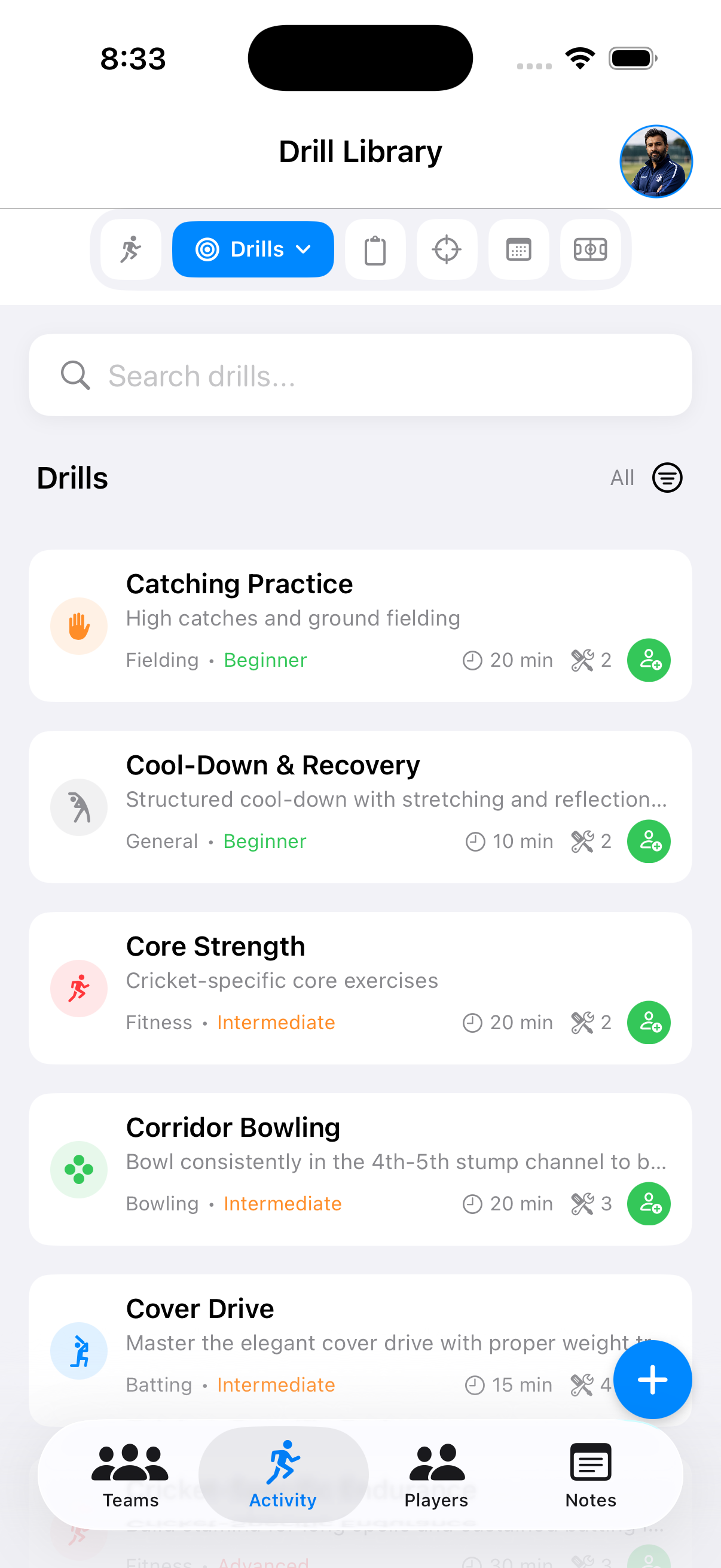
Turn coaching intent into a clear training week.
Use Activity to move between Training, Drills, Assignments, Goals, Calendar, and Matches without losing the team context. A batting session, fielding block, or skills practice can sit next to the drills and follow-up it needs.
Coach Each Player
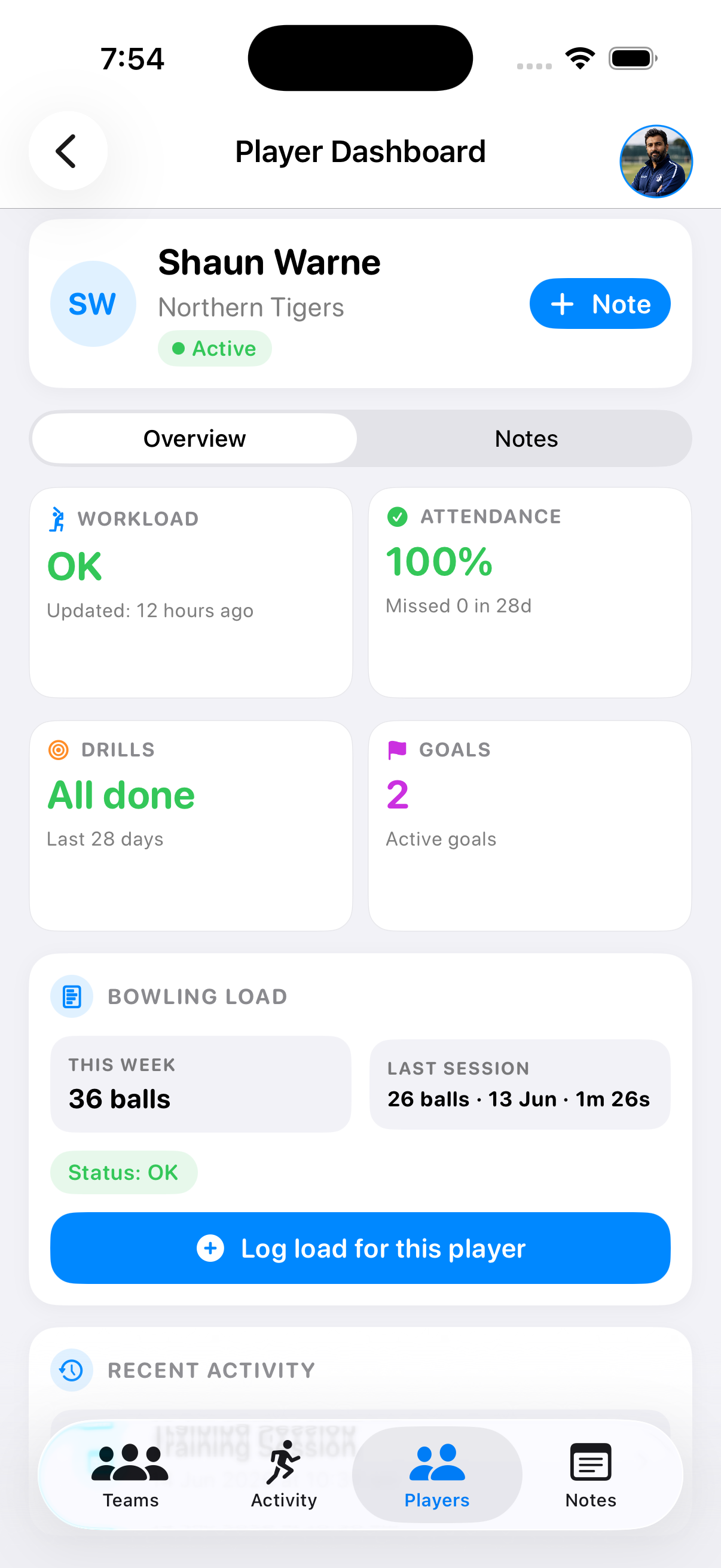
See the player before you write the next note.
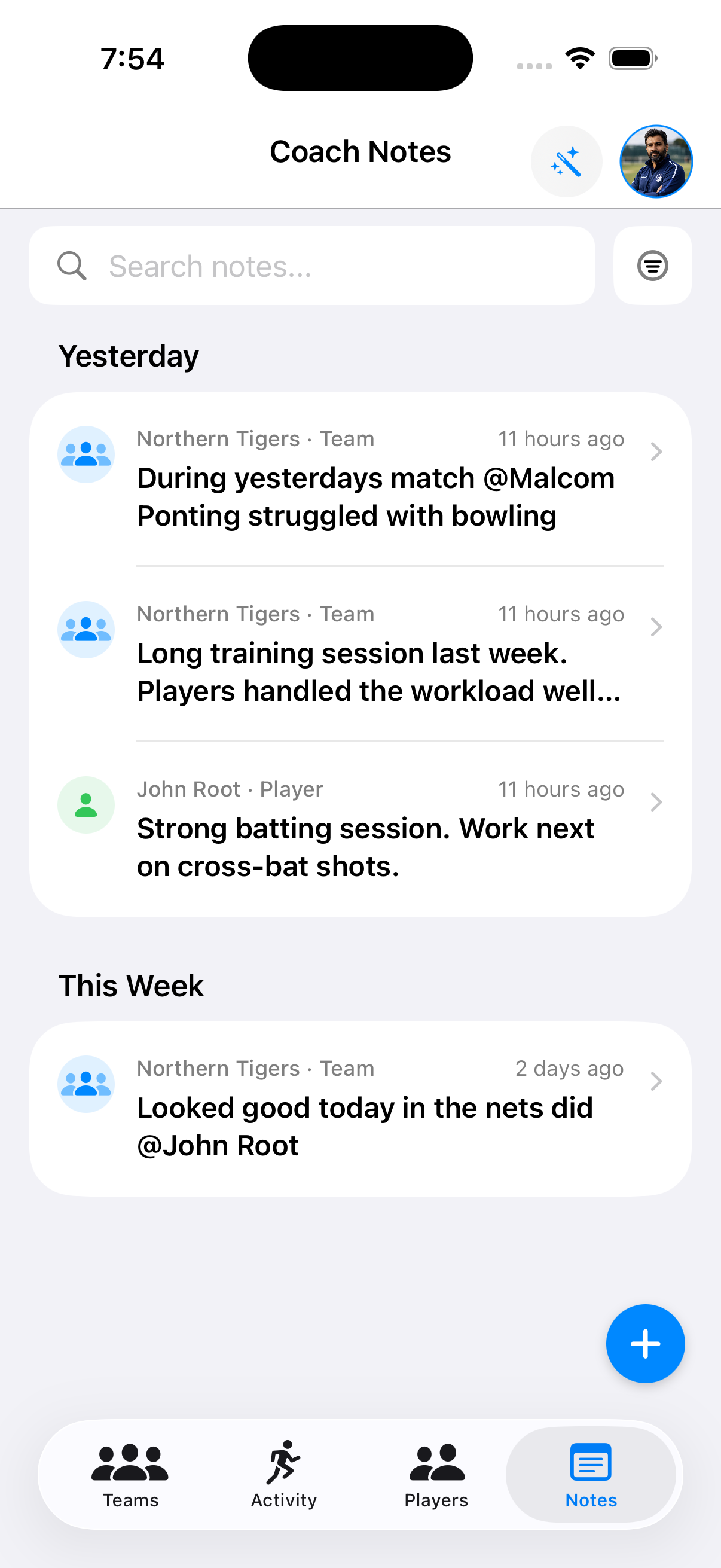
The player dashboard brings together recent sessions, workload, attendance, drill progress, goals, bowling load, and private coach notes. It helps you walk into training with evidence instead of vague memory.
Net Load Counter
Count balls while the session is still moving.
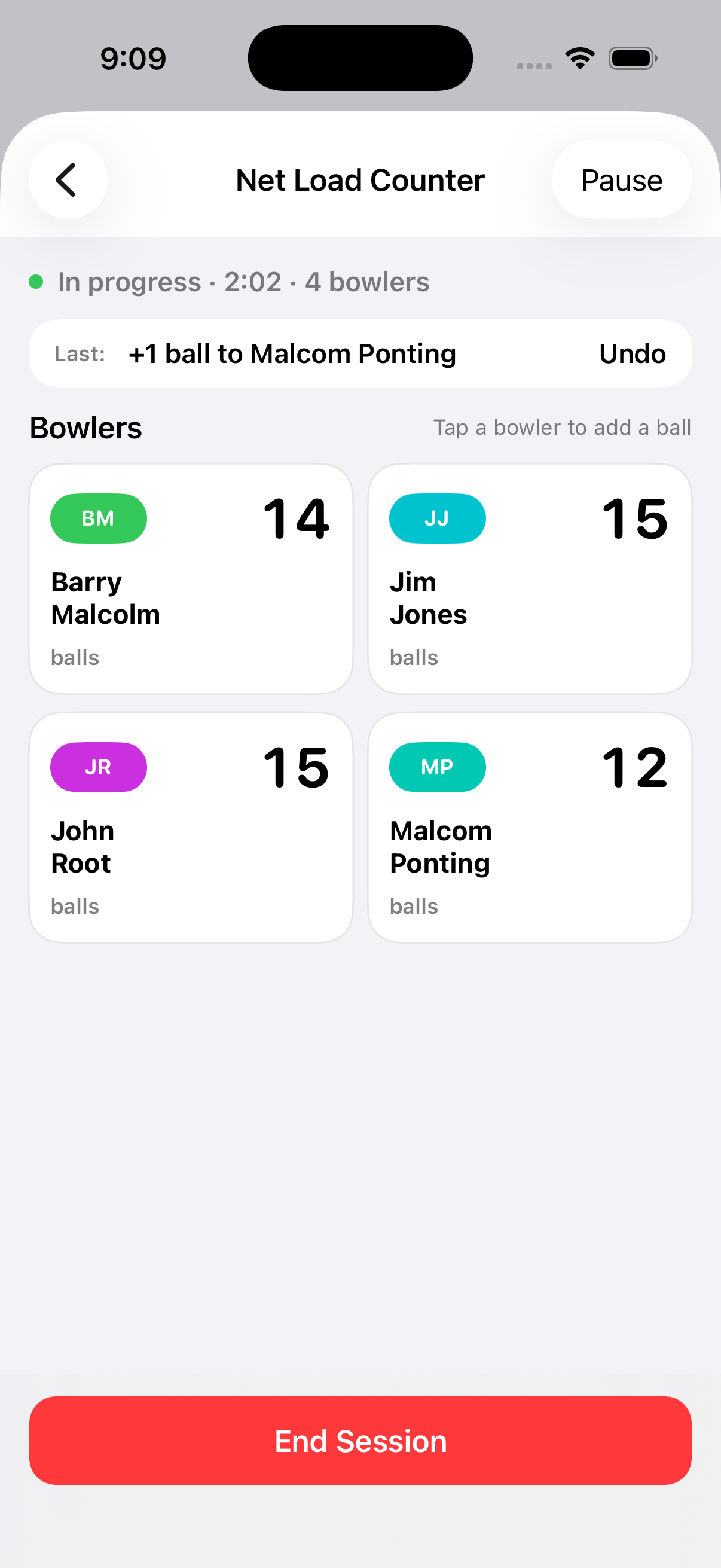
Net Load helps coaches record bowling volume during a live training block, then connect that load back to the team and individual player context. It is designed for the moments when a coach needs quick taps, not admin after the fact.
Coach Mode FAQ
Cricket coaching app questions.
What is Switch Hit Coach mode?
Coach mode is the coach-first workspace in Switch Hit for managing cricket teams, planning training, reviewing player dashboards, recording private coach notes, and tracking net load.
Can coaches track player workload and bowling volume?
Yes. Coach mode includes player dashboards and a Net Load Counter so coaches can record bowling volume during training and keep workload context visible.
Does Coach mode support team training and drills?
Yes. Coaches can use Activity to schedule training sessions, organise drills, assign work, review goals, and keep the team calendar connected to player follow-up.
Coach With Context
A coaching workspace for the work between sessions.
Switch Hit keeps teams, activity, players, feedback, and private notes close together so your next decision is based on what actually happened.