

Free
Everyday trackingYour cricket, in one place.
- Training and match logging
- Goals and activity history
- 7-day in-app trial, with AI report limits
Your Personal Cricket System
Your cricket training app for logging sessions, reviewing match days, and finding your next focus.
Free to start Made for iPhone
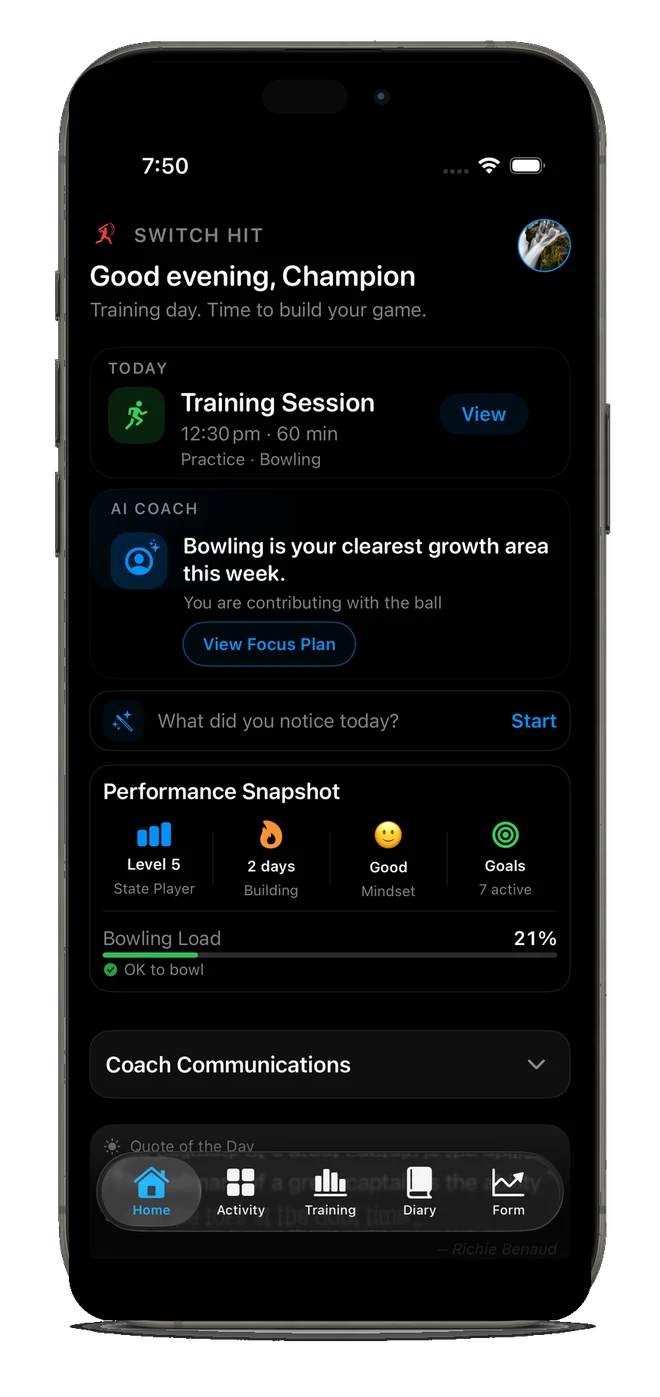
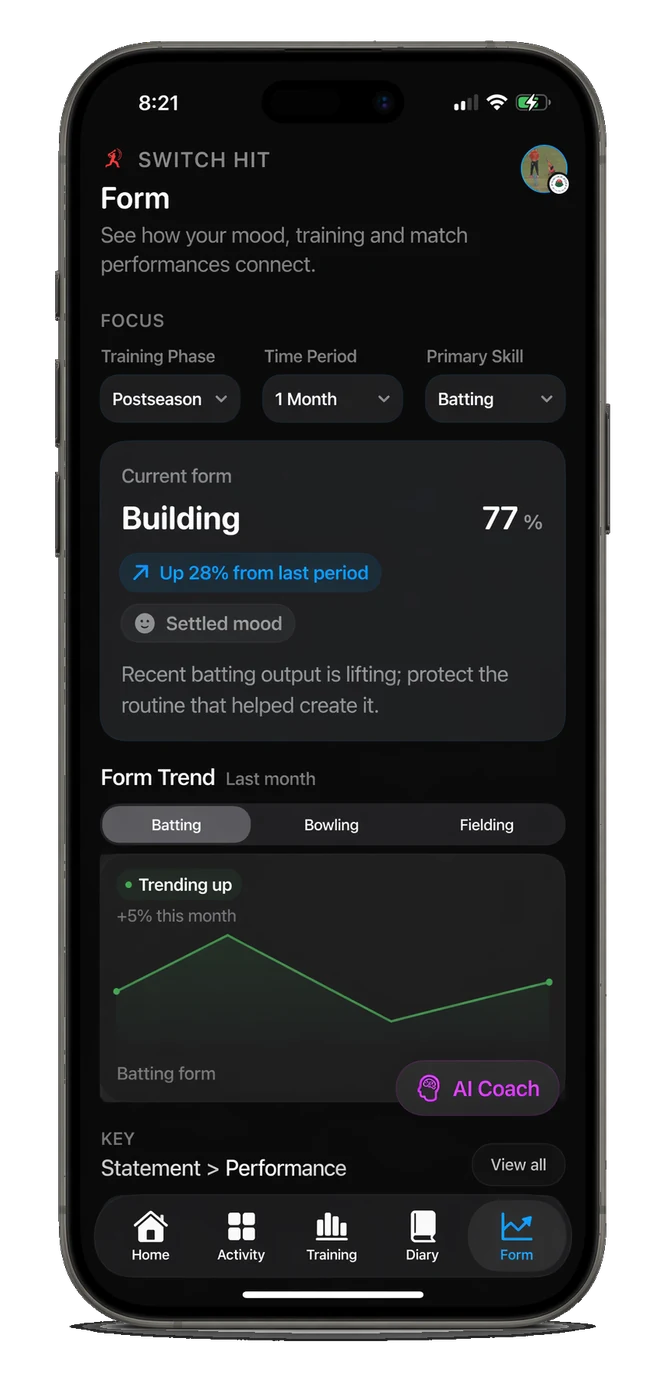
One app. Your side of the game.
A focused place to capture the work, reflect on the game, and know what to do next.
Log training, technique work, match performances, goals, and habits without needing a spreadsheet or notebook.
Turn your own data into clearer trends, weekly focus areas, and AI coaching reports that connect training to performance.
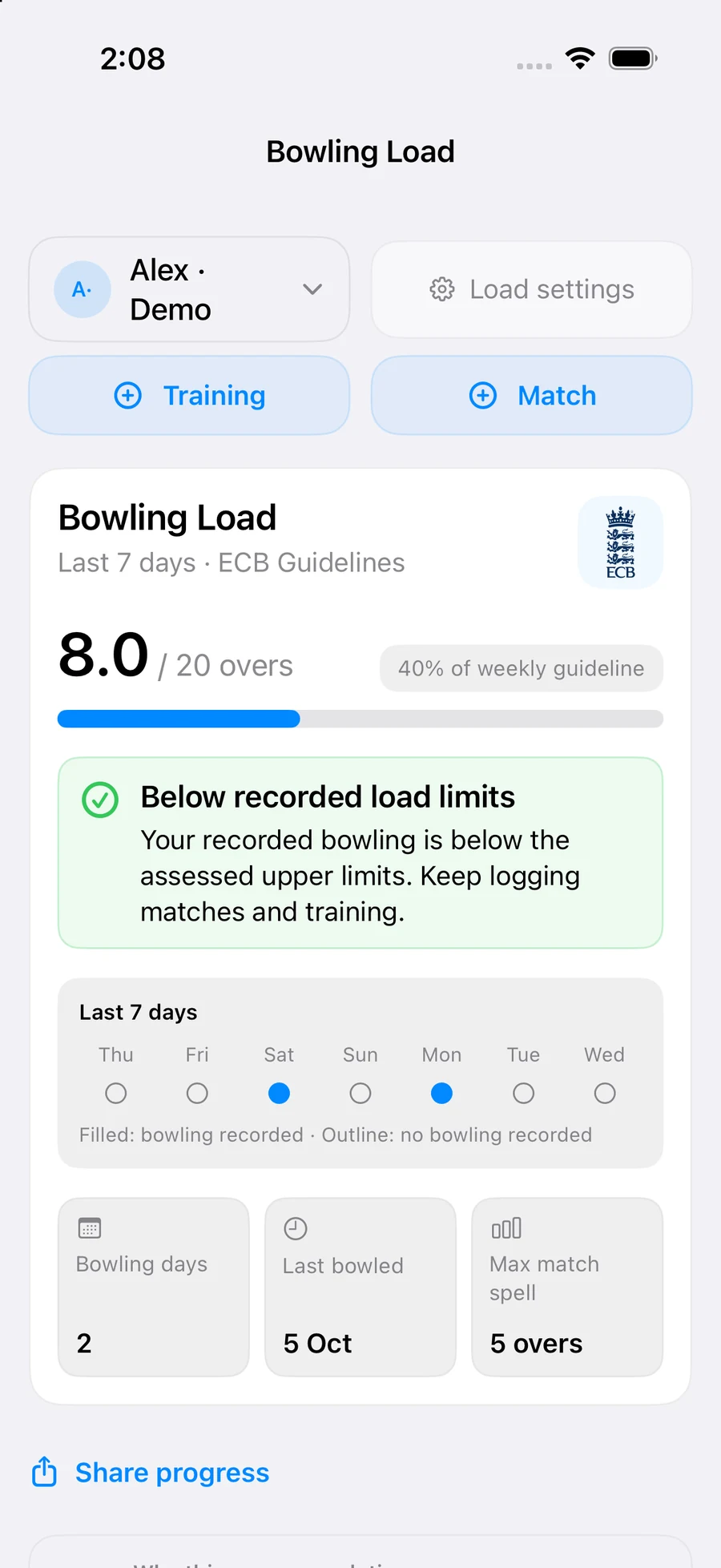
Bring training and match bowling together. Review recent load, bowling days and rest guidance before planning the next session.
Explore Bowling LoadSmart Capture
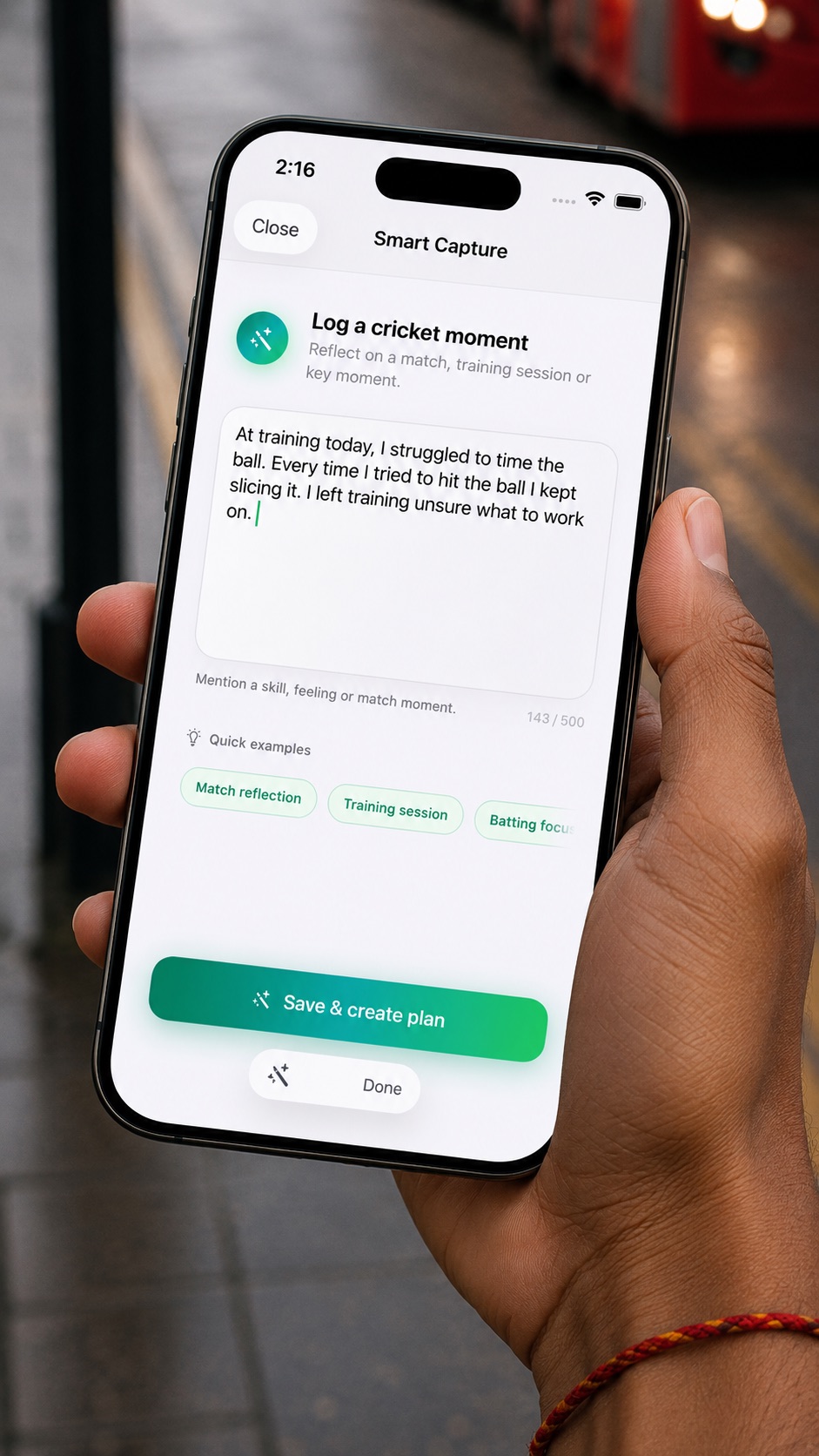
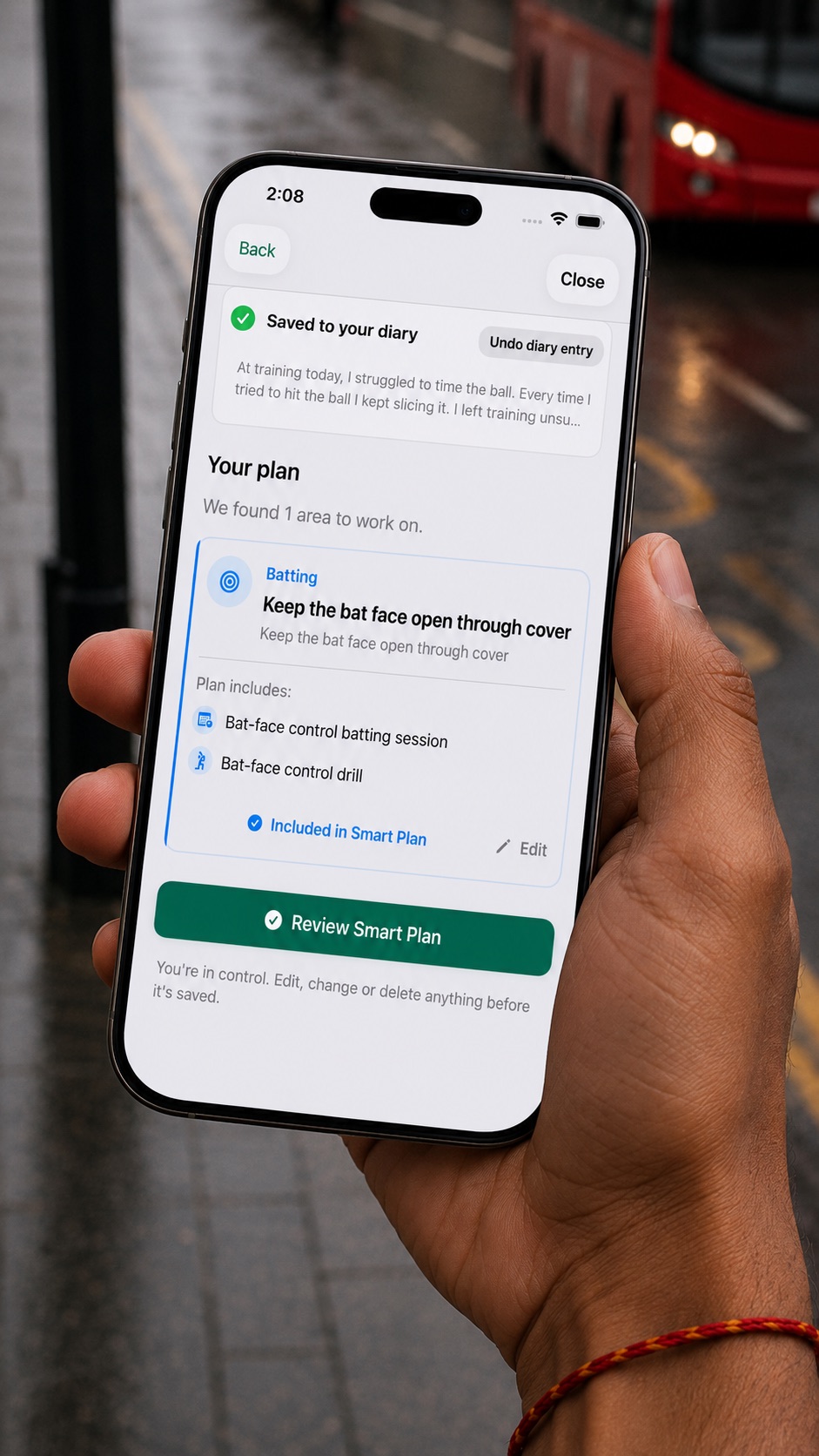
Write what you noticed. Smart Capture saves your reflection and suggests an editable plan for your next session. Here is one example of how you could use it:
“I kept getting cramped on the pull shot in nets today.”
Review the suggested plan and keep one focus: deciding which short balls to pull.
Ask your coach for a short-ball decision drill. Afterwards, note what felt clearer and what still needs work.
Bowling Load · Players & Parent Mode
A match scorecard only tells part of the story. Keep training and match bowling together, then review recent workload and recovery context.
Your logged training and Match Day bowling feed your Bowling Load view. See recent overs, bowling days, history and rest guidance alongside the selected guideline.
In Premium Parent Mode, add training or match loads for a tracked player, or save a scored bowling spell to Bowling Load. Review the load and history alongside your separate observations.
See Parent Mode Bowling LoadGuidance depends on the records, player settings and selected source. Use it to support a conversation with your coach; it is not medical advice or a diagnosis.
A simple rhythm for better cricket habits.
Record what you trained, how you felt, and what happened on match day while the detail is fresh.
See how preparation, mood, goals, and performance are connected across your season.
Use your trends and AI reports to choose the next focus before you step into the nets.
Plans for your game
Build the habit for free. Add more insight with Premium.
Your cricket, in one place.
Turn your record into your next focus.
See current monthly and yearly prices in Settings → Subscription in the app. Prices and offers vary by App Store region and eligibility; the web listing may not show amounts. Explore Premium features and AI limits.
For the players doing the work and the people cheering them on.
Keep your cricket life in one place: training, match notes, bowling load, goals, form, mindset, and reflections.
Explore player toolsSee more than a scorecard. Understand what a player is working on, how they are preparing, and where support is needed.
Explore Coach modeTrack bowling across training and matches in Premium Parent Mode, and keep optional observations about confidence, enjoyment and training separate from player performance records.
Explore parent tools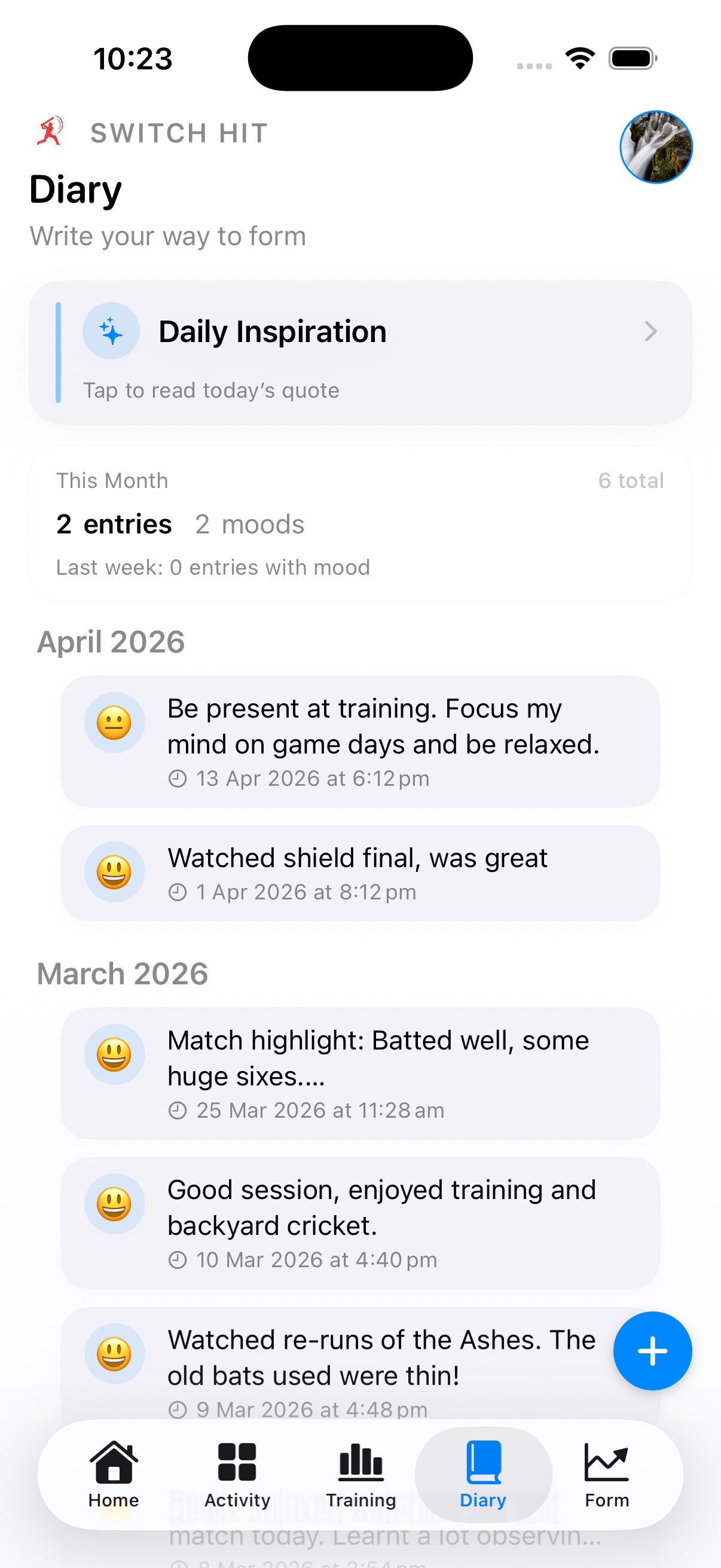
Made For The Season, Not Just The Scorecard
The more you log, the clearer the system becomes: which sessions matter, what patterns repeat, and what needs attention before the next match.
The essentials before you download. The full help FAQ lives on its own page.
Switch Hit is built for cricketers who want a clearer record of training, match days, goals, mindset, and progress. It also supports parents tracking junior cricket and coaches managing players, notes, team activity, and match insights.
Log training sessions, technique work, match performances, diary reflections, quick check-ins, and goals. The more consistent you are, the better Switch Hit can show patterns in form, workload, and mindset.
Premium includes the full AI coaching workspace: AI Coach reports, Season Review, Match Prep, Post-Match Review, advanced analytics, club branding, and an ad-free experience. In coach mode, premium also unlocks stronger match analytics and team insight surfaces.
No, your personal diary entries are completely private. Coaches can only see training feedback you submit and performance data you've logged or shared.